

How does one install a custom Axure widget or axure library into Axure RP. Welcome to Humble UX. Thank you for purchasing our kits but now you may have the question: How do I install the kit. There are several ways but I will show you the most common way of installing Axure widget libraries.
- Unzipped the file you just downloaded, Axure library files have the extension *.rplib
- Open up your Axure RP. The default libraries that come with Axure are housed under the Libraries tab in the bottom left corner pane.
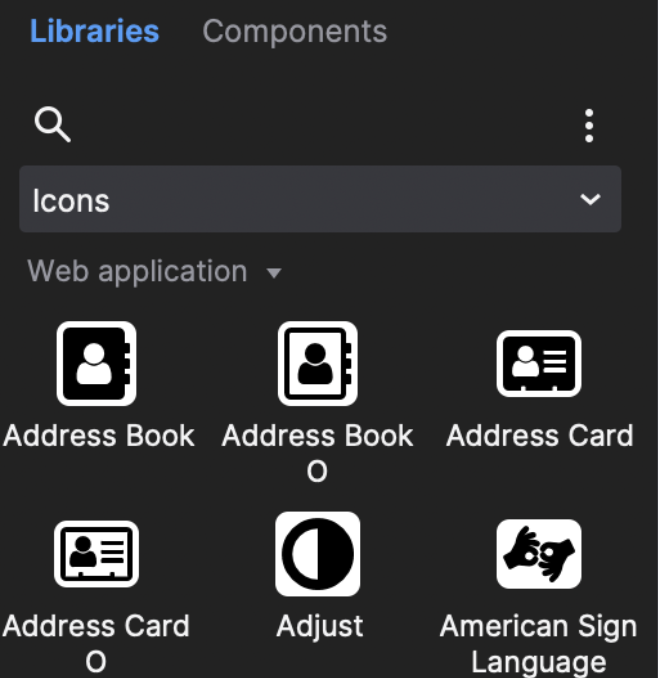
Click on the kebab menu icon and chose the Load library menu item.
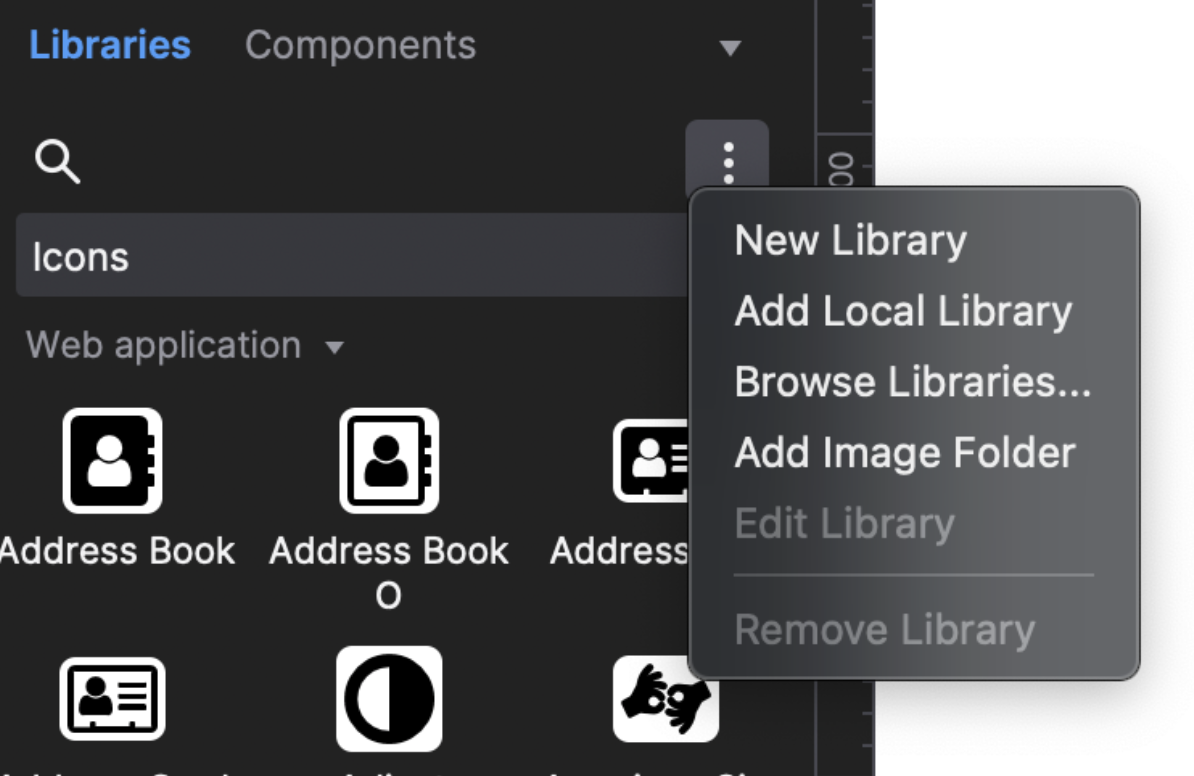
Navigate to the file you downloaded from HumbleUX (the unzipped file) with the extension *.rplib, select and click Open. This will load the library into your widgets pane.
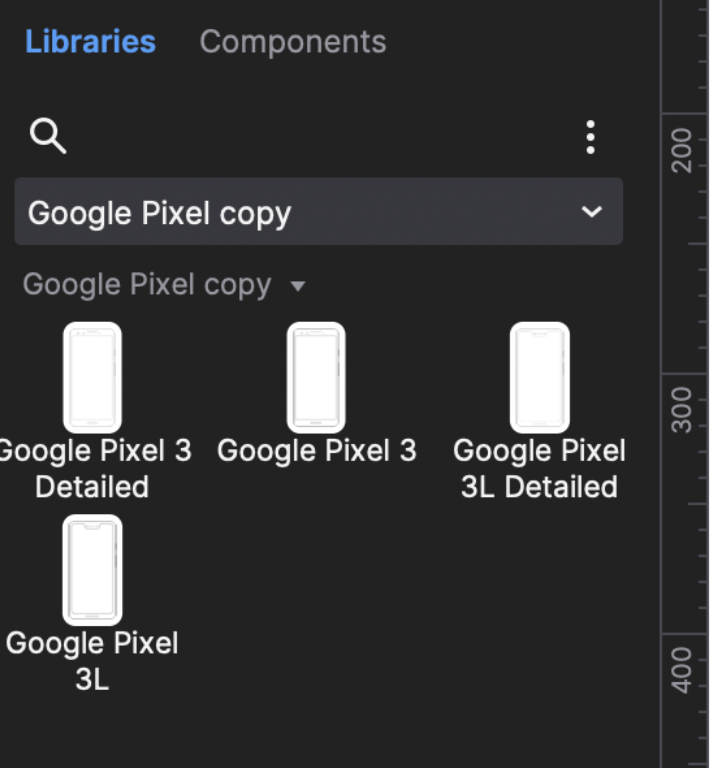
You can now drag and drop files into your project.
Let us know if you run into problems. For more Axure libraries just check out out Shop.
Download FREE web and mobile Axure libraries
FINDING IT HARD TO FIND FREE AXURE WIDGET LIBRARIES?
When I started out in design and prototyping, one common obstacle was not finding enough good examples that one could download and learn from. We have purposefully made more free axure widgets than priced ones because we want to encourage you to download quality work. Get downloading!!

When I am trying to use the ‘Social Kit’ Library, I am able to drag and drop the widgets but unable to see the icons. In the place of logo (f, bird, g+ etc.) in the icons its showing ‘?’. What could be the problem.
You need to install Fontawesome on your machine, restart Axure and the icons will appear.
Do you have widgets designed for RP 8?
Yes all tested with the latest versions. Right now RP8 and RP9
What if I have to import a library which is not .rplib and has java, css and svg files? Will I be able to import it to Axure? If yes, where do I find related details or information to do so?
Probably not. It must be Axure native otherwise you will run into issues.
hey.thanks for all the freebies. I’m just working through some tutorials and these have been really helpful, however, above it says ‘free’ libraries but when I click on Personas Axure library kit, it’s charging $5. Any reason for this or just an error?
thanks
Phil
Hi. Just price testing updates. Will change associated copy soon.
Great work :-).